The points people touch most often are rarely the ones that look dirty. A reception counter can appear spotless while carrying fingerprints from dozens of visitors, and a shared kitchen can become unhygienic well before the rubbish bin is full. That is why understanding what is included in office sanitising matters when you are responsible for staff wellbeing, visitor confidence and a professional workplace.
Office sanitising is a targeted hygiene service that focuses on reducing germs on frequently touched surfaces and shared areas. It works alongside routine office cleaning, rather than replacing it. The exact scope should reflect your premises, number of employees, visitor traffic, business hours and the type of work carried out on site.
What is included in office sanitising?
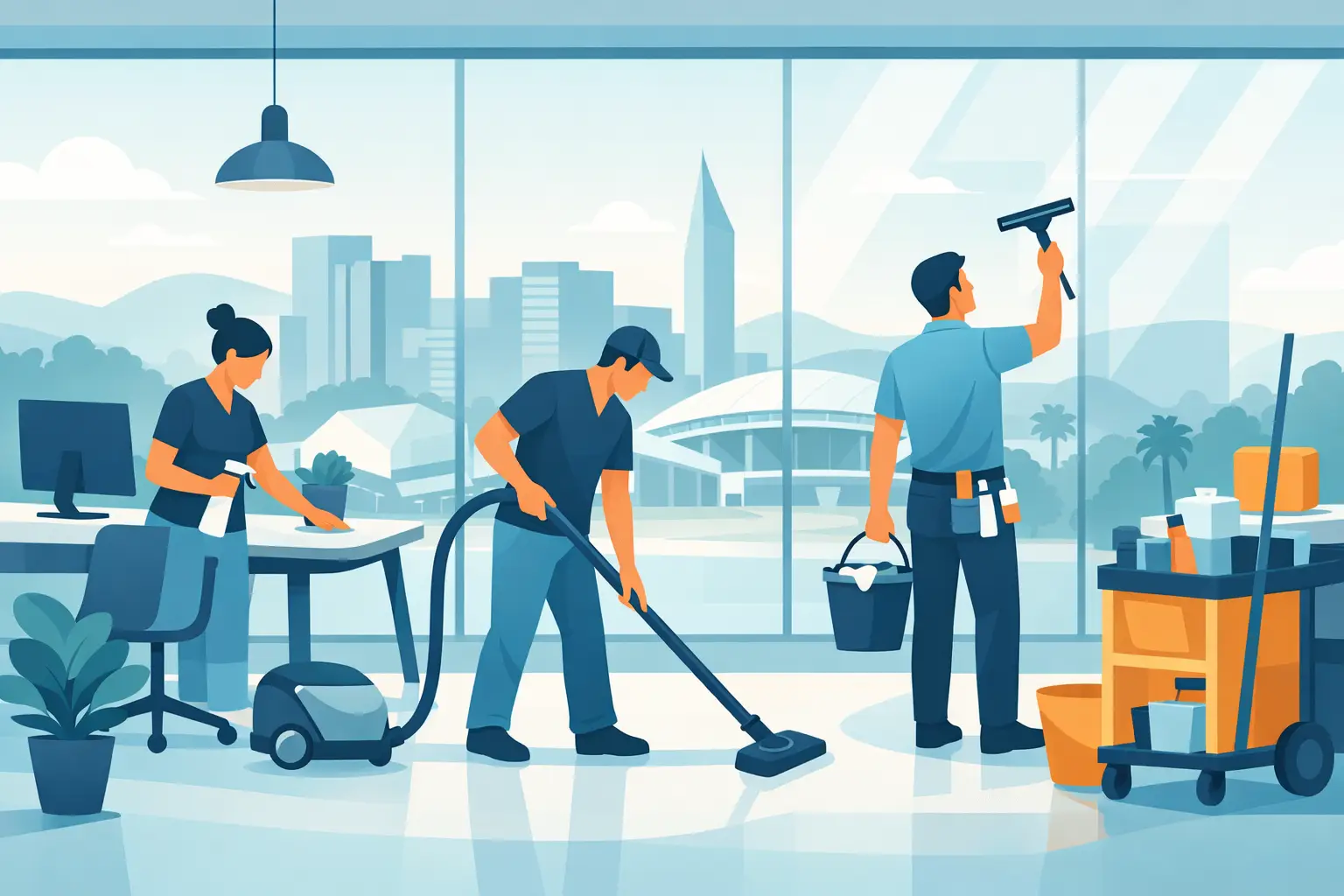
A professional office sanitising service usually begins with a clear assessment of the spaces people use and touch throughout the day. Cleaners then remove visible soil where needed before applying suitable sanitising or disinfecting products to the agreed surfaces. This order matters: a product cannot work as intended through a layer of dust, food residue or grime.
Unlike a general clean, which may concentrate on presentation, sanitising places greater attention on contact points. It is particularly valuable in busy offices, co-working spaces, customer-facing businesses, clinics, training rooms and workplaces with shared facilities.
A good provider will explain what is covered, how often it will be completed and whether the service is a routine addition to your office clean or a separate deep hygiene treatment. Clear inclusions prevent the common problem of assuming an area has been treated when it has only been wiped down.
High-touch surfaces throughout the workplace
Most office sanitising programmes focus first on the surfaces handled repeatedly by different people. These can spread germs quickly simply because they are shared, even in a tidy and well-managed workplace.
Common inclusions are door handles, push plates, door frames around hand height, light switches, lift buttons, stair rails, security keypads, intercoms and reception counters. The service may also cover EFTPOS terminals, sign-in screens, visitor tablets, drawer handles, cabinet pulls and shared pens.
In desk areas, cleaners can sanitise desktop surfaces, chair arms, filing cabinet handles, phone handsets and commonly used equipment controls. Keyboards, computer mice and monitors need more care. Not every product is suitable for electronics, and excessive moisture can cause damage. A professional cleaner should use an appropriate method for the equipment rather than spraying directly onto it.
The areas selected will depend on your office layout. An open-plan workplace with hot desks needs broader coverage than a small office where each person has their own workstation. Similarly, a showroom or reception area with steady customer traffic usually needs more frequent attention than a back-office space with limited access.
Kitchens, bathrooms and shared amenities
Shared amenity areas are central to effective office sanitising because many people use the same fixtures, appliances and benches each day. A thorough service commonly includes sanitising kitchen benchtops, cupboard handles, fridge handles, microwave buttons, kettle handles, coffee machine touchpoints, taps, sinks and dining tables.
Bathroom sanitising generally covers taps, flush buttons, toilet seat contact points, door locks, soap dispensers, hand dryer buttons and sanitary disposal unit exteriors. Mirrors, basins, toilets and floors may also be cleaned as part of the broader office cleaning schedule, but it is worth confirming whether these tasks are included in the sanitising visit itself.
Meeting rooms deserve the same attention. Table surfaces, chair arms, remote controls, presentation equipment, whiteboard markers and shared touchscreens can all be included. For teams that use meeting rooms back-to-back, a quick sanitising service between sessions may be more practical than relying only on an after-hours clean.
Cleaning, sanitising and disinfecting are not identical
These terms are often used interchangeably, but they describe different outcomes. Cleaning removes dirt, dust, crumbs and other visible residue. Sanitising reduces germs on a surface to a safer level. Disinfecting uses a suitable product to kill or inactivate a broader range of germs, subject to the product directions and required contact time.
For many ordinary offices, regular cleaning combined with targeted sanitising of high-touch points is an appropriate approach. In higher-risk environments, such as medical clinics, aged care settings or workplaces managing a confirmed illness exposure, a more detailed disinfection plan may be required.
The product and process should match the setting. Stronger chemicals are not automatically better, particularly around food preparation areas, sensitive electronic equipment or staff with allergies. Eco-conscious products can be a sensible option where they are fit for purpose, but they still need to be used correctly and given enough time on the surface to work.
What a professional sanitising process looks like
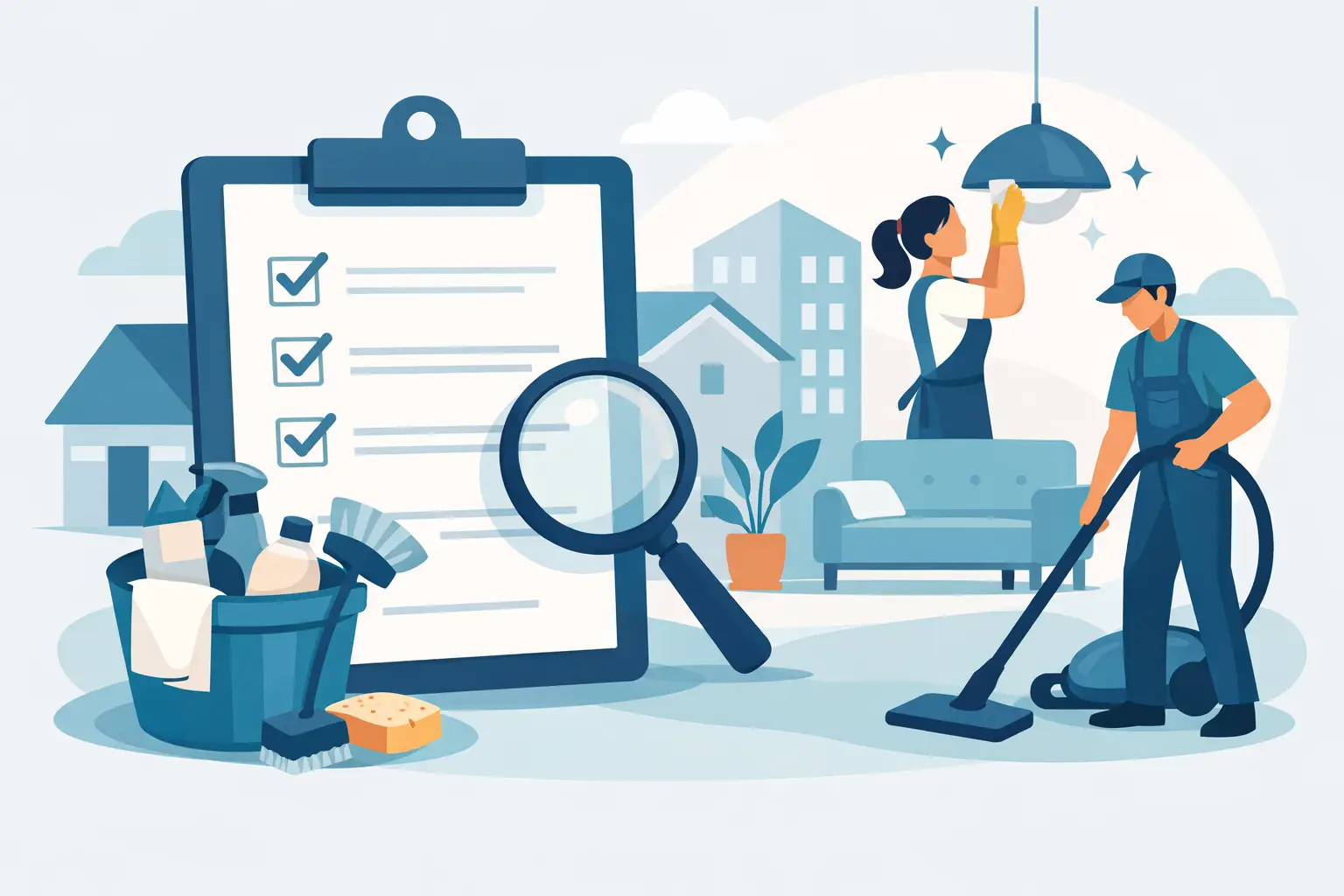
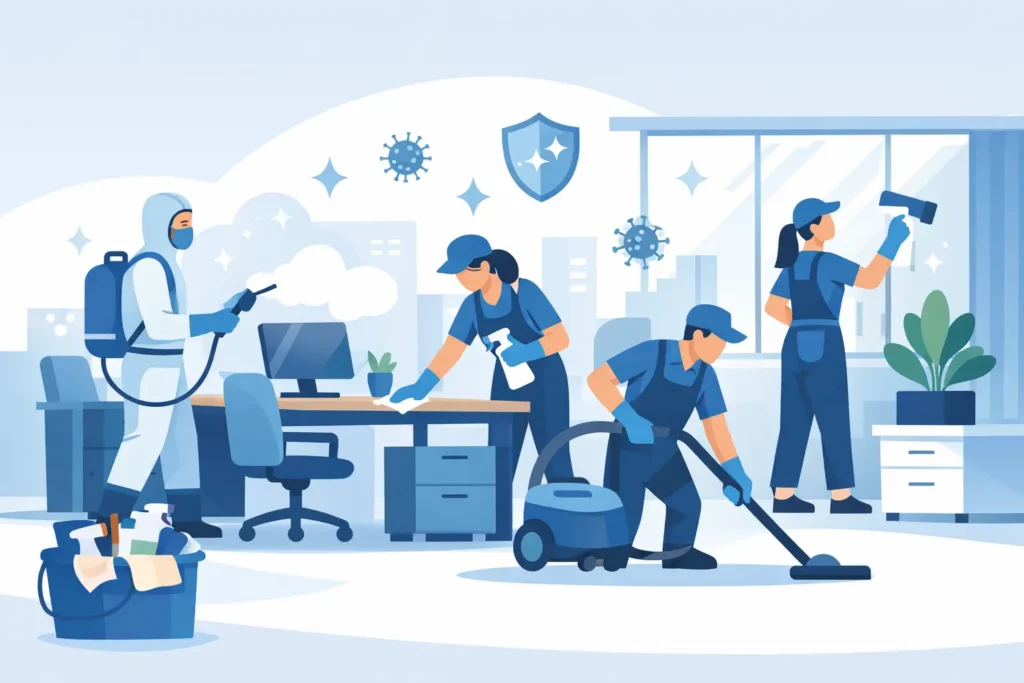
Reliable office sanitising is not a quick spray-and-wipe job. The cleaner should work through an agreed checklist so high-contact areas are not missed, especially in larger premises or multi-storey offices.
The process generally involves inspecting the work areas, removing visible dirt from selected surfaces, applying the appropriate product, allowing the required dwell time and wiping or drying the surface as directed. Rubbish removal, restocking consumables and general tidying may be included in a regular cleaning contract, but these should be listed separately rather than assumed.
For businesses that need clear accountability, service records can be useful. A checklist showing the date, time and areas completed gives office managers confidence that the work has been carried out. It also makes it easier to adjust the scope when staff numbers change, a new tenant moves in or a busy period increases foot traffic.
At Spiffi Cleaning, trained and police-checked cleaners can tailor office hygiene services around your operating hours, helping keep disruption to a minimum while maintaining consistent standards.
How often should an office be sanitised?
There is no single schedule that suits every workplace. Frequency should be based on how many people use the office, the amount of public access, the number of shared facilities and the hygiene expectations of your industry.
A small office with a stable team may only need high-touch sanitising as part of its regular weekly clean. A busy customer-facing office, shared workspace or call centre may benefit from daily attention, with reception and amenities treated more than once a day during peak periods. Clinics and other health-focused settings usually require a more specific schedule based on their procedures and risk profile.
Rather than paying for a one-size-fits-all package, ask for a scope that identifies your priority areas. This keeps the service practical and helps direct cleaning time where it has the greatest effect.
Inclusions to confirm before booking
Before arranging office sanitising, make sure the quote states which rooms, surfaces and shared items are covered. It should also confirm the service frequency, whether cleaning and sanitising are both included, the products or methods used, and whether after-hours access is available.
It is also sensible to ask about exclusions. Personal desks may be left untouched for privacy reasons, while heavily cluttered workstations can prevent proper surface access. Upholstered furniture, carpets and internal air-conditioning systems require different treatments and are not usually covered by a standard surface sanitising service.
For Adelaide offices, flexible scheduling can make a genuine difference. A service completed before staff arrive, after the doors close or during a quiet period allows hygiene work to happen without interrupting meetings, client calls or daily operations.
The best office sanitising plan is one your team can maintain. Start with the surfaces everyone shares, set a realistic frequency, and make sure the agreed checklist reflects how your workplace actually operates.